Get startedOverview
The Framewharf handbook,for text, images and film.
Everything you need to call language, image and video models through one API and one API key. Each guide opens with the endpoint and header to copy, then lists the parameters with a runnable example.
- Base URL
https://api.framewharf.com/v1- language models
- 29
- image models
- 13
- video models
- 7
Send a prompt to POST /v1/images/generations with your API key in Authorization: Bearer sk-your_api_key. The image comes back as a temporary download link in data[0].url.
curl "https://api.framewharf.com/v1/images/generations" \
  -H "Authorization: Bearer sk-your_api_key" \
  -H "Content-Type: application/json" \
  -d '{
    "model": "grok-imagine-image-2.0",
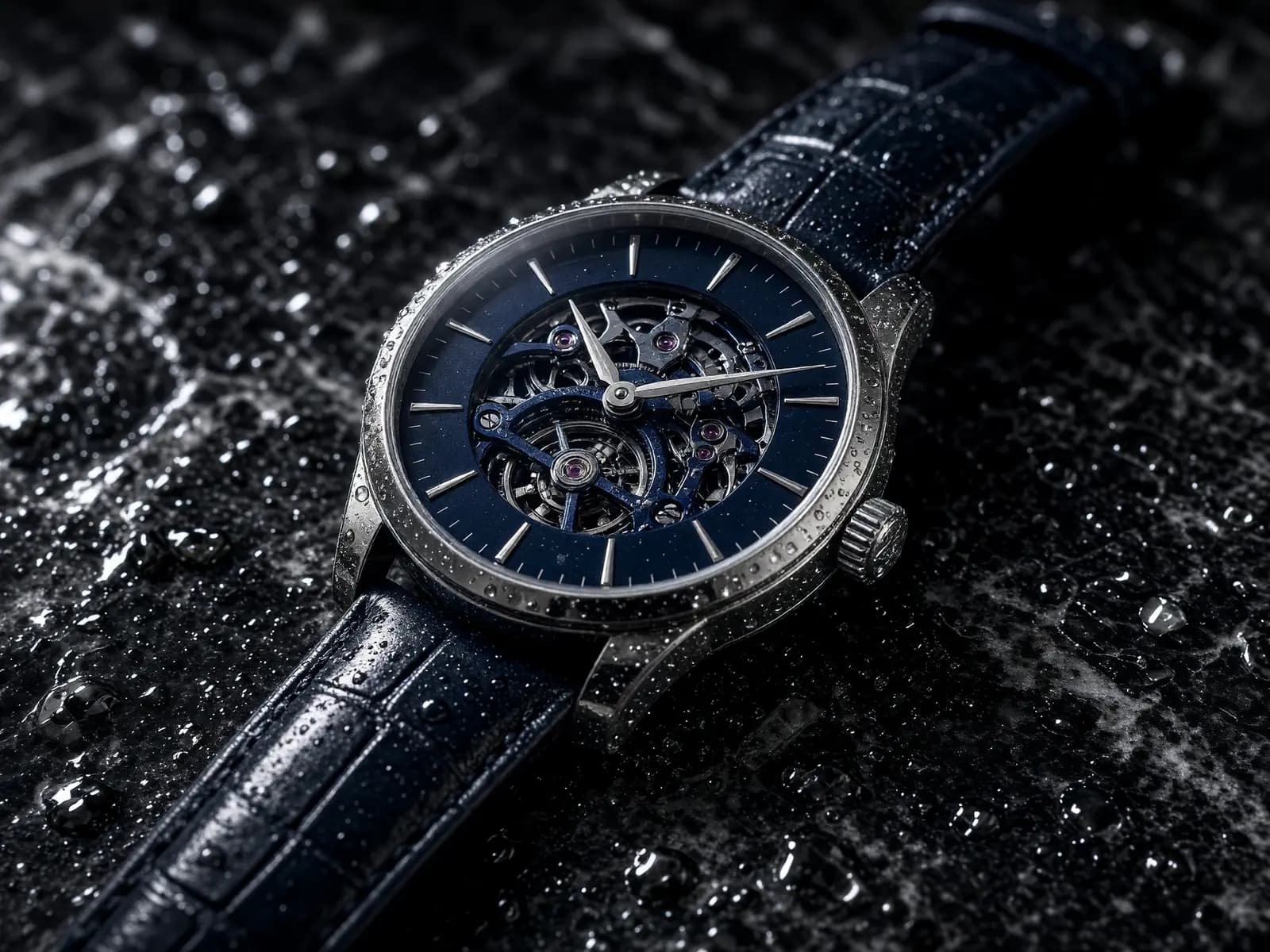
    "prompt": "A luxury perfume bottle on wet black volcanic rock, soft rim light, thin mist, teal and gold tones."
  }'
The model catalog plus the text, image and video endpoints. Each guide opens with a URL ready to copy.
- GET/modelsThe catalog of available models
- POST/chat/completionsChat Completions and streaming
- POST/responsesResponses, tools and streaming
- POST/messagesThe Anthropic Messages protocol
- POST/count_tokensCount tokens through /v1/messages/count_tokens — no credit spent
- POST/imagesGenerate and edit images, returned as a download link
- POST/videosAsync video: create a job, poll its status, download the file
- POST/interactionsGenerate and edit video with Gemini Omni, base64 right in the response








Four ways to start, all on the same API key. Each guide has its own parameters, limits and pricing.
/chat/completions
Text
Chat, tools and streaming in the OpenAI-compatible format, plus the Responses and Messages formats.
Read the chat guide /imagesImages
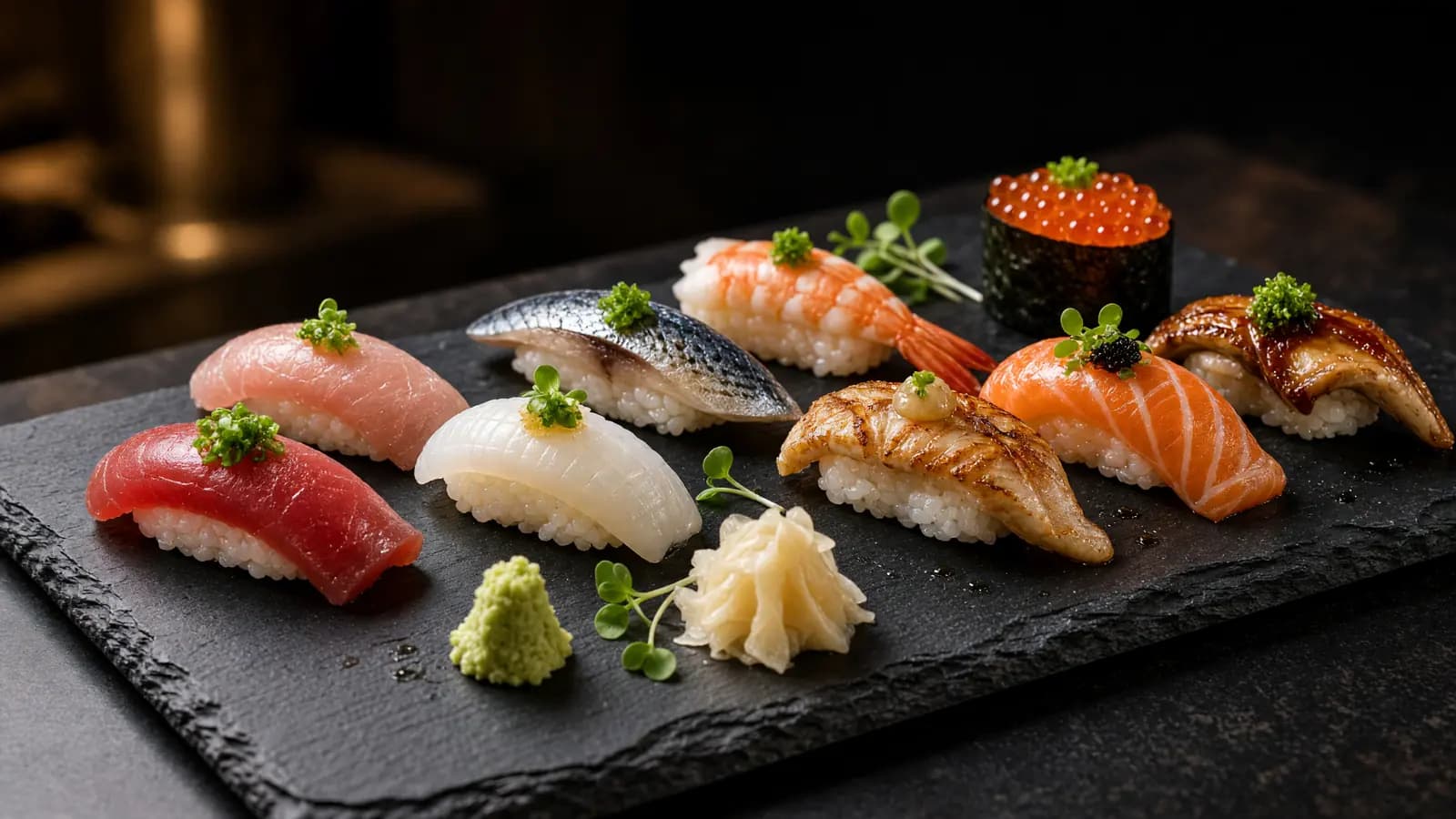
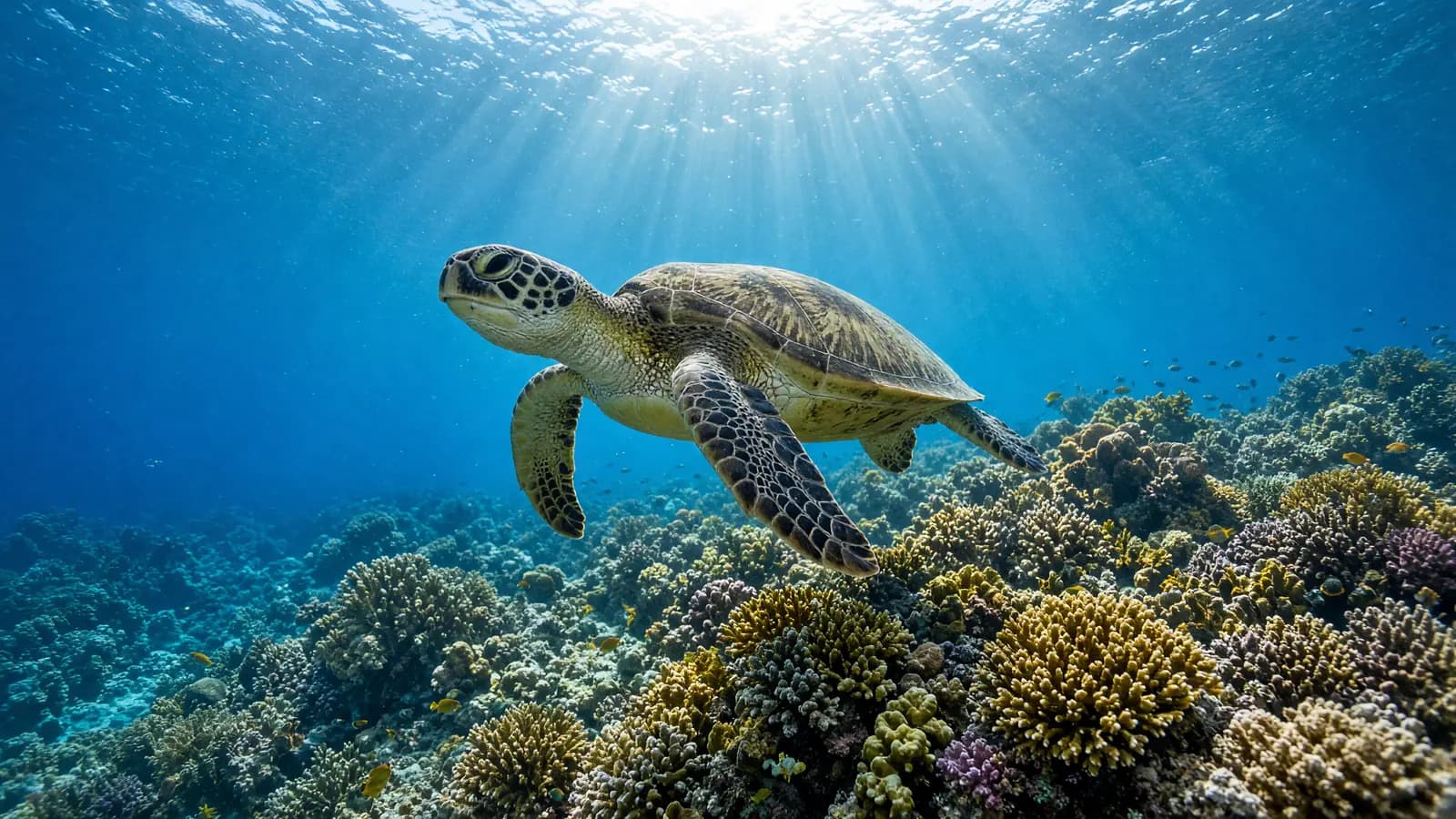
Generate images from a description, or edit a picture you already have.
Read the image guide /videosVideo
Create a job, track its progress and download the file — from a description or from a still image.
Read the video guide /interactionsOmni
Create and edit video with Gemini Omni in a single request: pass reference images and videos, get base64 video back.
Read the interactions guide














Each tool has its own install and configuration guide.
Create your own API key in the console.
Sign in with Google, top up credit by bank transfer, then create a key — each key's traffic and spend show up in the console right away.
Claude Code takes the origin https://api.framewharf.com and appends /v1/messages itself. Every other integration takes the base URL https://api.framewharf.com/v1. Open each tool's guide to copy the exact configuration.