API/images
POST
/v1/images
Generate an image from a text prompt, or edit one you already have. Images are always returned as a temporary download link in data[].url, valid for about 30 minutes — download and store the file on your side right away.
- POST
https://api.framewharf.com/v1/images/generations- POST
https://api.framewharf.com/v1/images/edits- Authentication
Authorization: Bearer sk-your_api_key
POST /v1/images/generations takes model and prompt. Add n to get several images in one request. Take the id of a model your API key can call from GET /v1/models.
curl "https://api.framewharf.com/v1/images/generations" \
  -H "Authorization: Bearer sk-your_api_key" \
  -H "Content-Type: application/json" \
  -d '{
    "model": "seedream-5.0-pro",
    "prompt": "A cup of coffee on a wooden table, morning sunlight"
}'Pick the aspect ratio with aspect_ratio (1:1, 16:9, 9:16, 20:9, 9:19.5, auto…) and the size with resolution (1k, 2k). Both also work when editing.
Set quality (low, medium, auto) to choose a quality level; the catalog price changes with it. A model that does not support a parameter returns a clear error instead of ignoring it, and input images are accepted only on /v1/images/edits.
The response contains one entry in data per image:
Response
{
  "created": 1756180000,
  "data": [
    { "url": "https://..." }
  ]
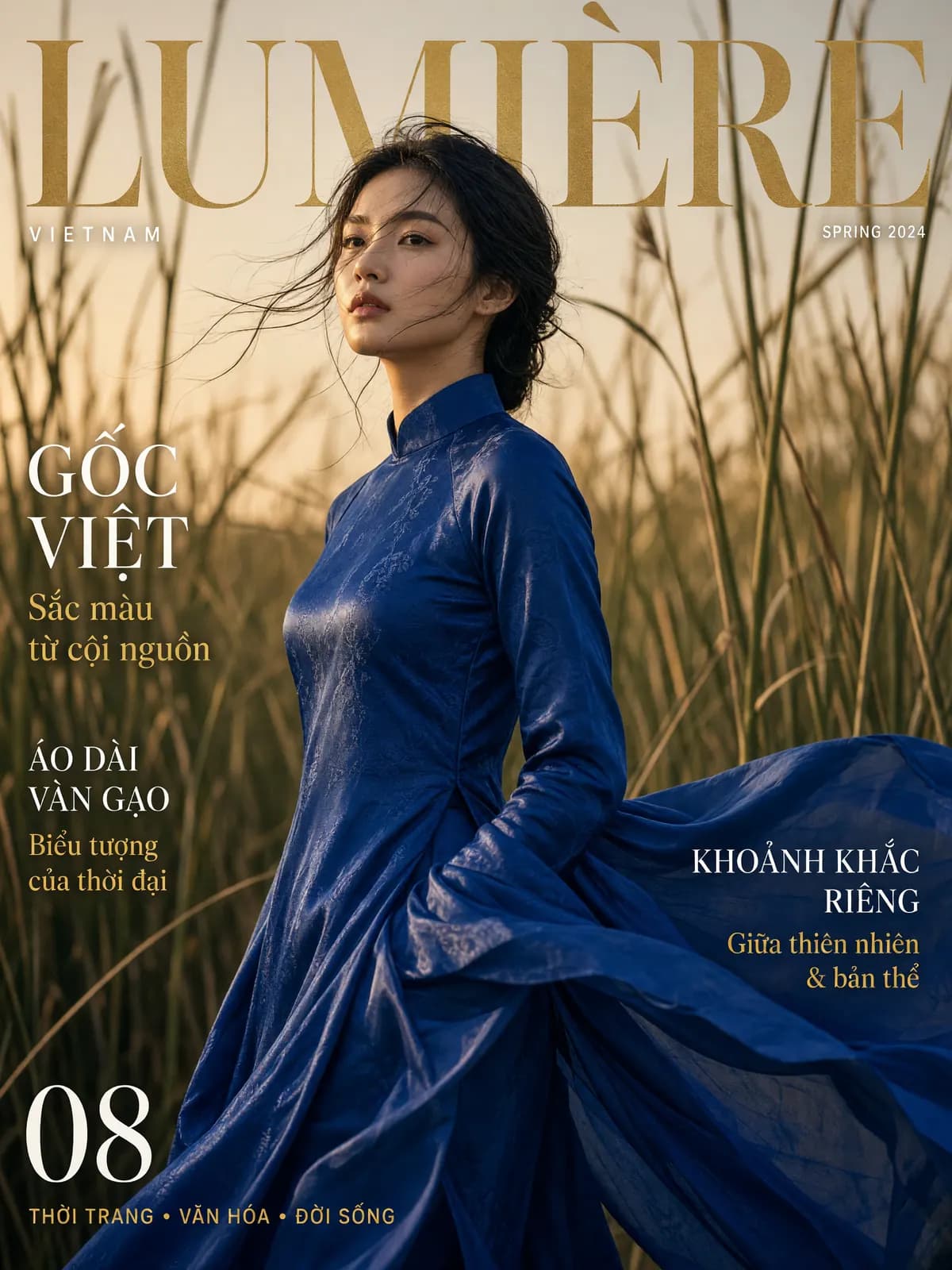
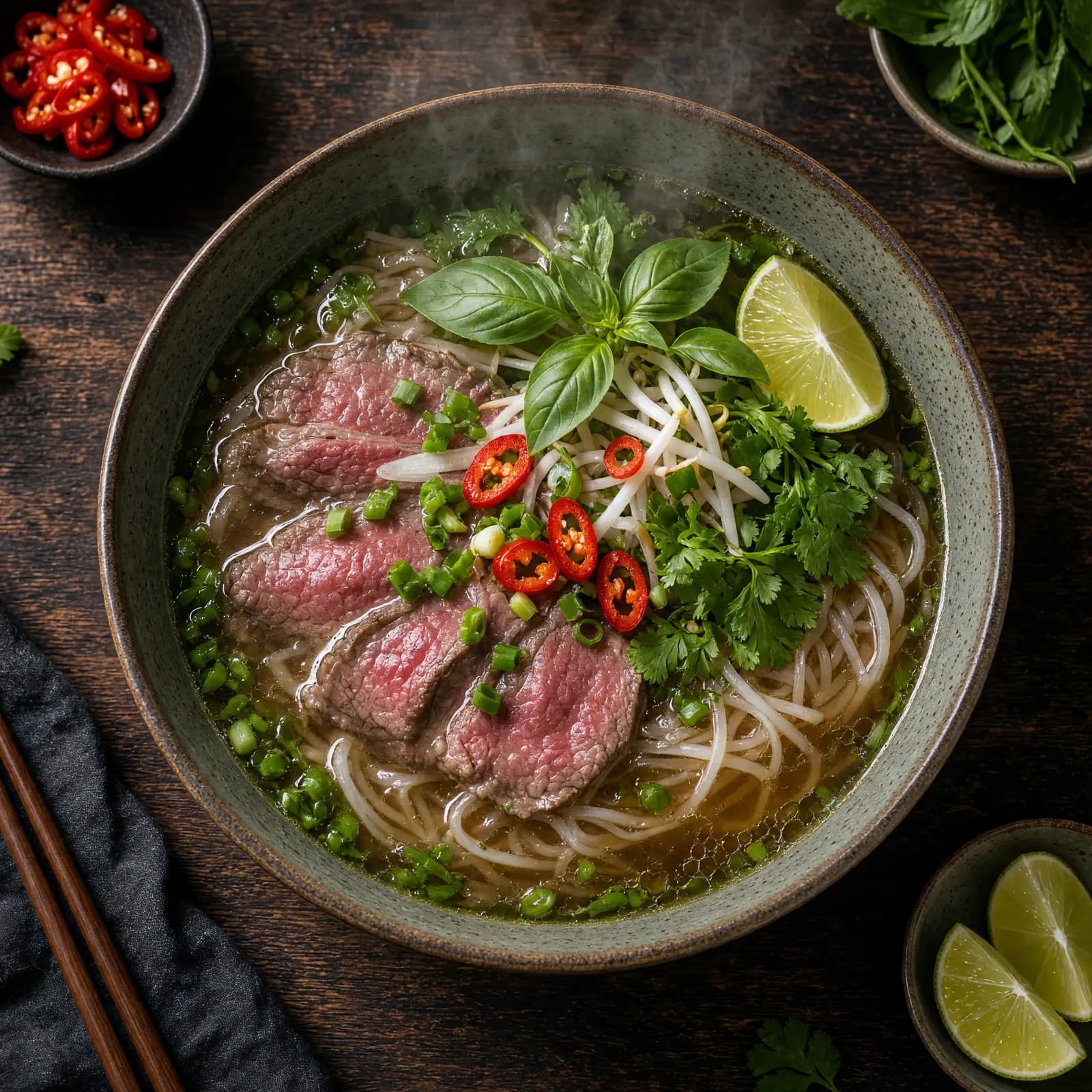
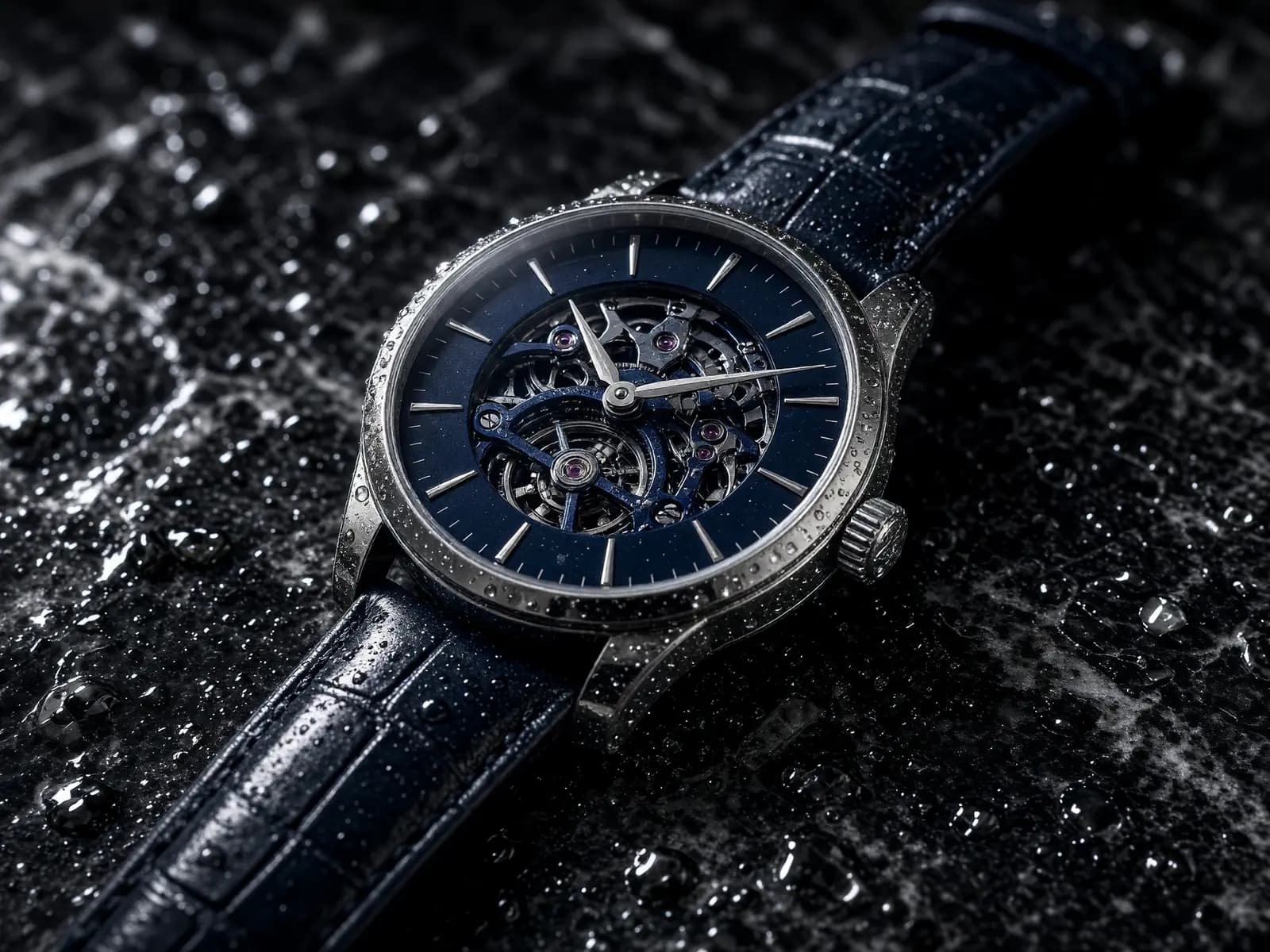
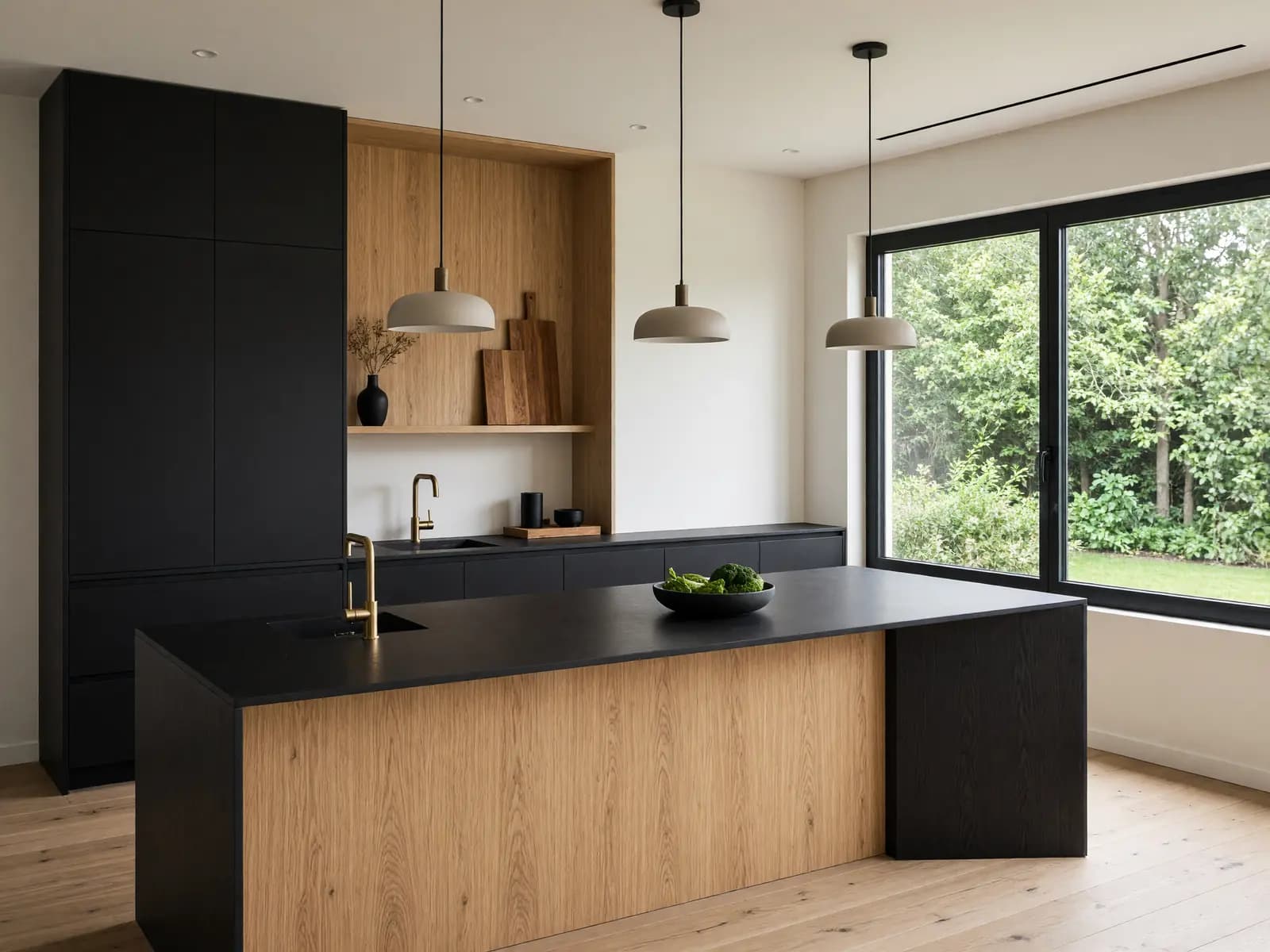
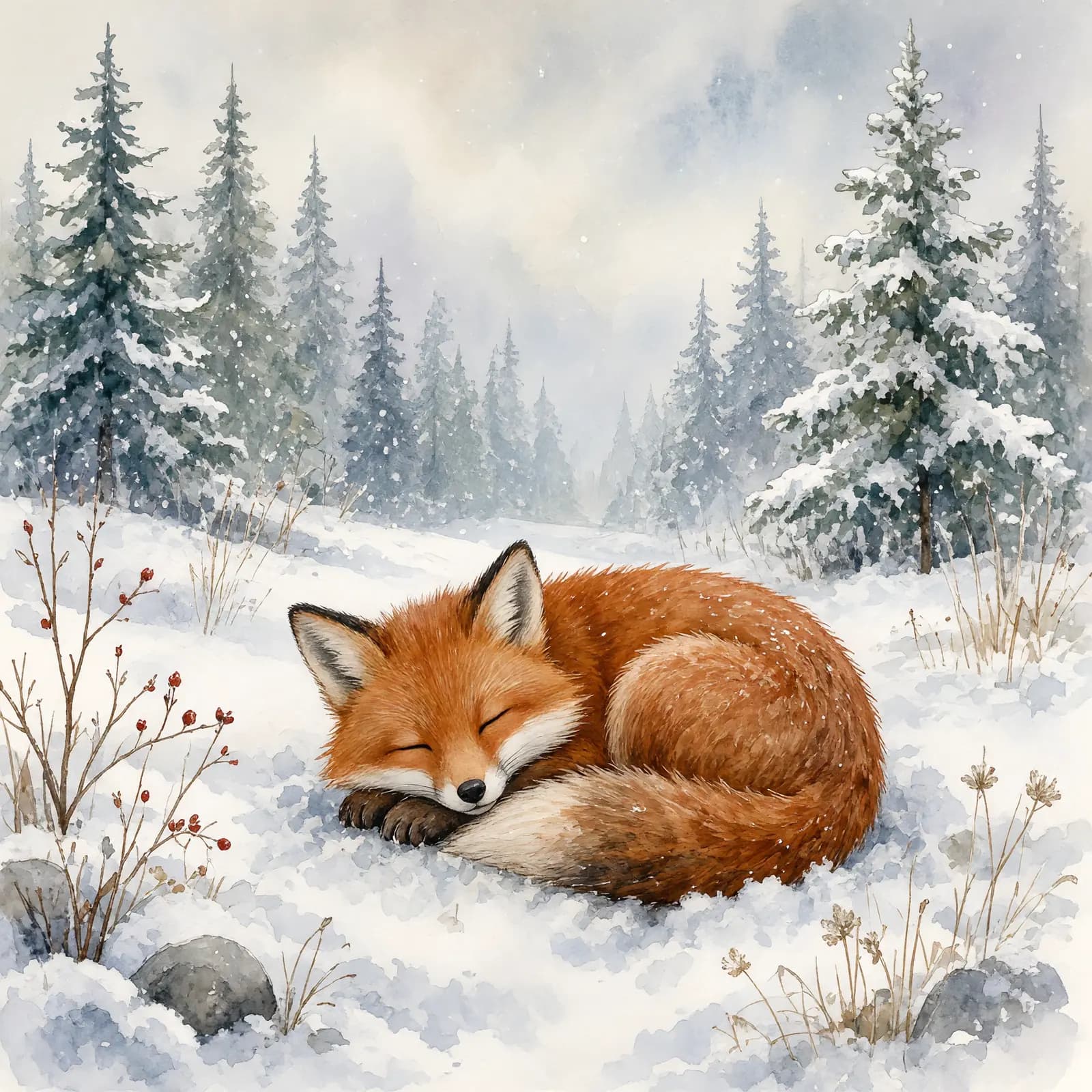
}Every image below was generated by this endpoint, one request each, alongside the prompt that produced it.

POST /v1/images/edits takes multipart/form-data: an image (JPEG, PNG or WebP), prompt describing the change, and model. The edited image is also returned as a temporary link in data[].url. The mask field is not supported.
curl "https://api.framewharf.com/v1/images/edits" \
  -H "Authorization: Bearer sk-your_api_key" \
  -F "model=seedream-5.0-pro" \
  -F "prompt=Change the background to a beach at sunset" \
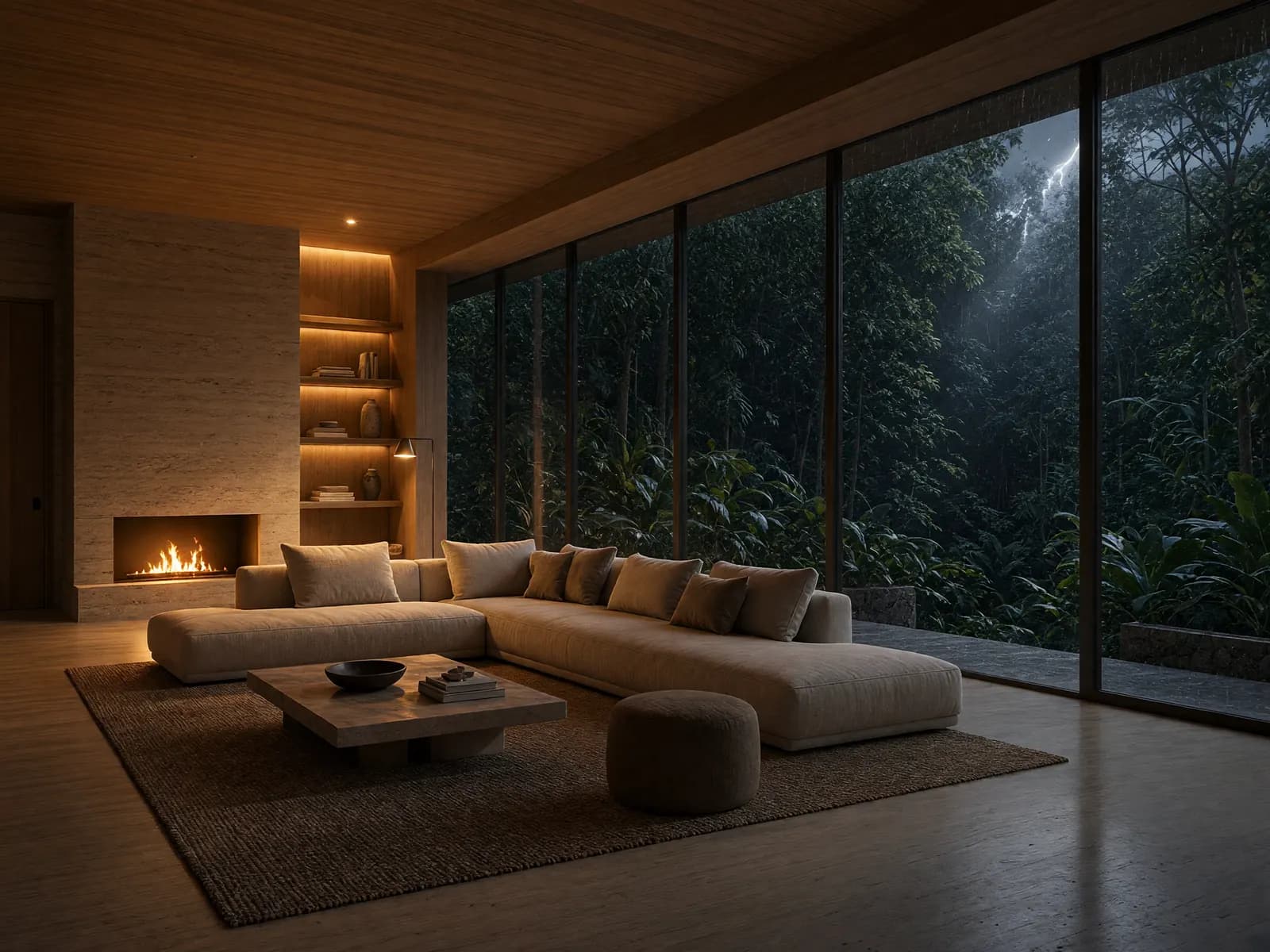
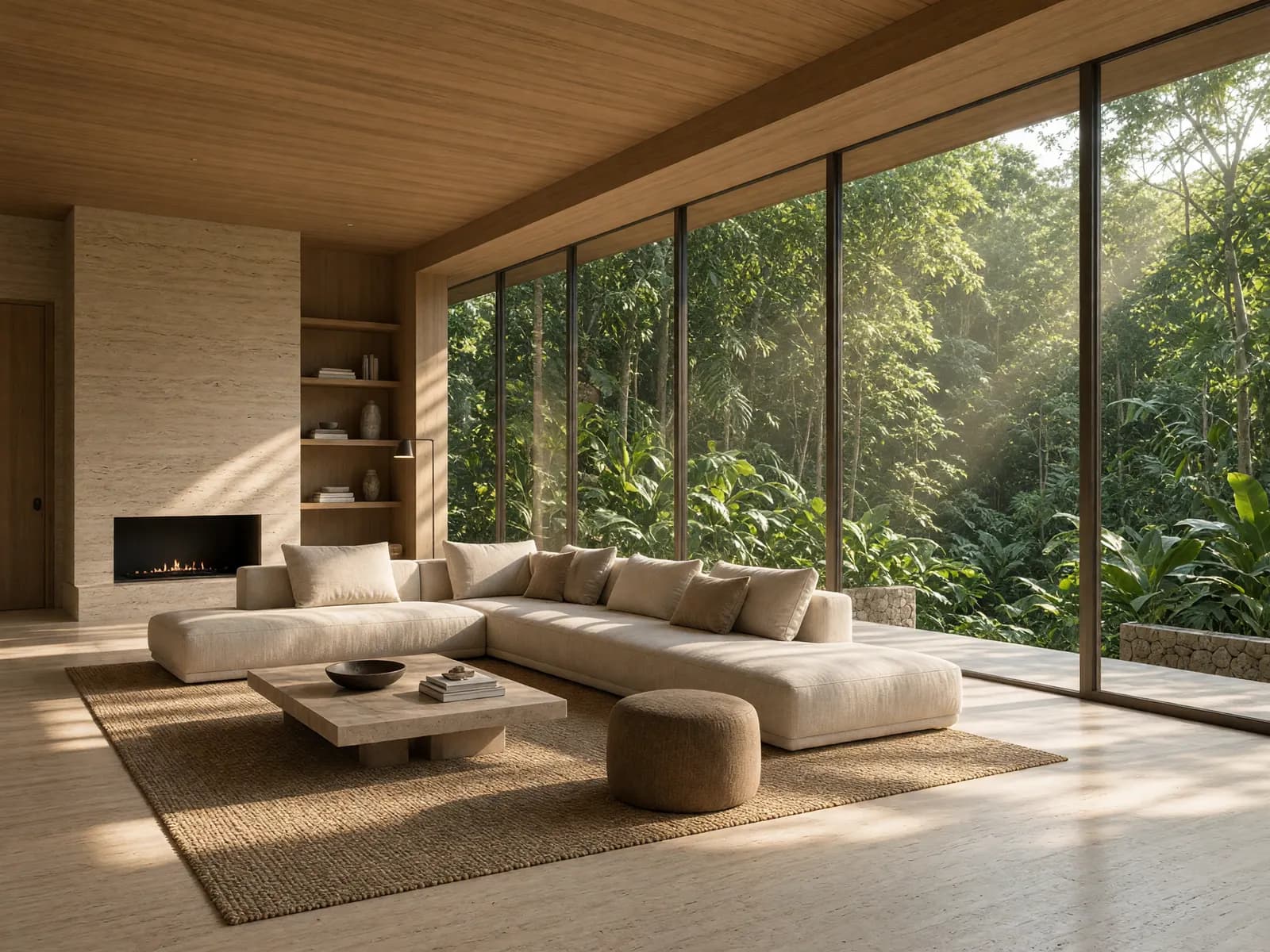
-F "[email protected]"Drag the slider: the original is on the left, the result of one edit request on the right.
Send up to five image fields to combine several images in one edit, then refer to them in the prompt as <IMAGE_0>, <IMAGE_1> in the order you sent them:
cURL
curl "https://api.framewharf.com/v1/images/edits" \
  -H "Authorization: Bearer sk-your_api_key" \
  -F "model=seedream-5.0-pro" \
  -F "prompt=Put the jacket from <IMAGE_1> on the person in <IMAGE_0>" \
  -F "[email protected]" \
  -F "[email protected]" \
-F "aspect_ratio=1:1"Each model bills one of two ways: a per-image model charges its unit price times n for a request of n images, while a per-image-token model charges for the image tokens in the result. Image models are enabled per API key — GET /v1/models with your key lists exactly the models you can call; message Framewharf if you need more access.
Resolution and quality can have their own unit prices, and you pay for the quality actually served. An edit also bills each image you upload, on top of the images returned; each model's full price sheet is in its entry in the model catalog.
- seedream-5.0-pro
- $0.0016 (41 VND) / image
- seedream-4.0
- $0.00052 (14 VND) / image
- qwen-image-2.1-turbo
- $0.00003 (0.77 VND) / image
- qwen-image-2.1
- $0.00031 (8 VND) / image
- grok-imagine-image-2.0
- $0.001 (27 VND) / image
- grok-imagine-image
- $0.00035 (9 VND) / image
- gemini-nano-banana-2.1
- $0.52 (13,500 VND) / 1M image tokens
- gemini-3.1-flash-lite-image
- $0.52 (13,500 VND) / 1M image tokens
- gemini-3.1-flash-image-preview
- $1.05 (27,000 VND) / 1M image tokens
- gemini-3.1-flash-image
- $1.05 (27,000 VND) / 1M image tokens
- gemini-3-pro-image-preview
- $2.10 (54,000 VND) / 1M image tokens
- gemini-3-pro-image
- $2.10 (54,000 VND) / 1M image tokens
- gemini-2.5-flash-image
- $0.52 (13,500 VND) / 1M image tokens